
First find where the sell stopped: before a quote, at confirmation, or after a transaction was submitted. Those are different problems. This guide concerns the Fomo app at fomo.family, not unrelated projects that use the word “Fomo”.
Check the failure stage · Understand the received amount · What to send support
How do I sell the whole position?
Open the token from your current positions and start a sell. Enter the available token balance, or use a full-balance control if your version provides one. Check the estimated proceeds and any warning before confirming once. After submission, check the outcome before trying again.
To verify the result, open your profile and the clock-shaped History control, then filter Trades. A position’s details show the amount bought and the sale proceeds. A completed trade and a disappearing portfolio row are different evidence: a small remainder can be hidden. See Fomo’s transaction-history instructions.
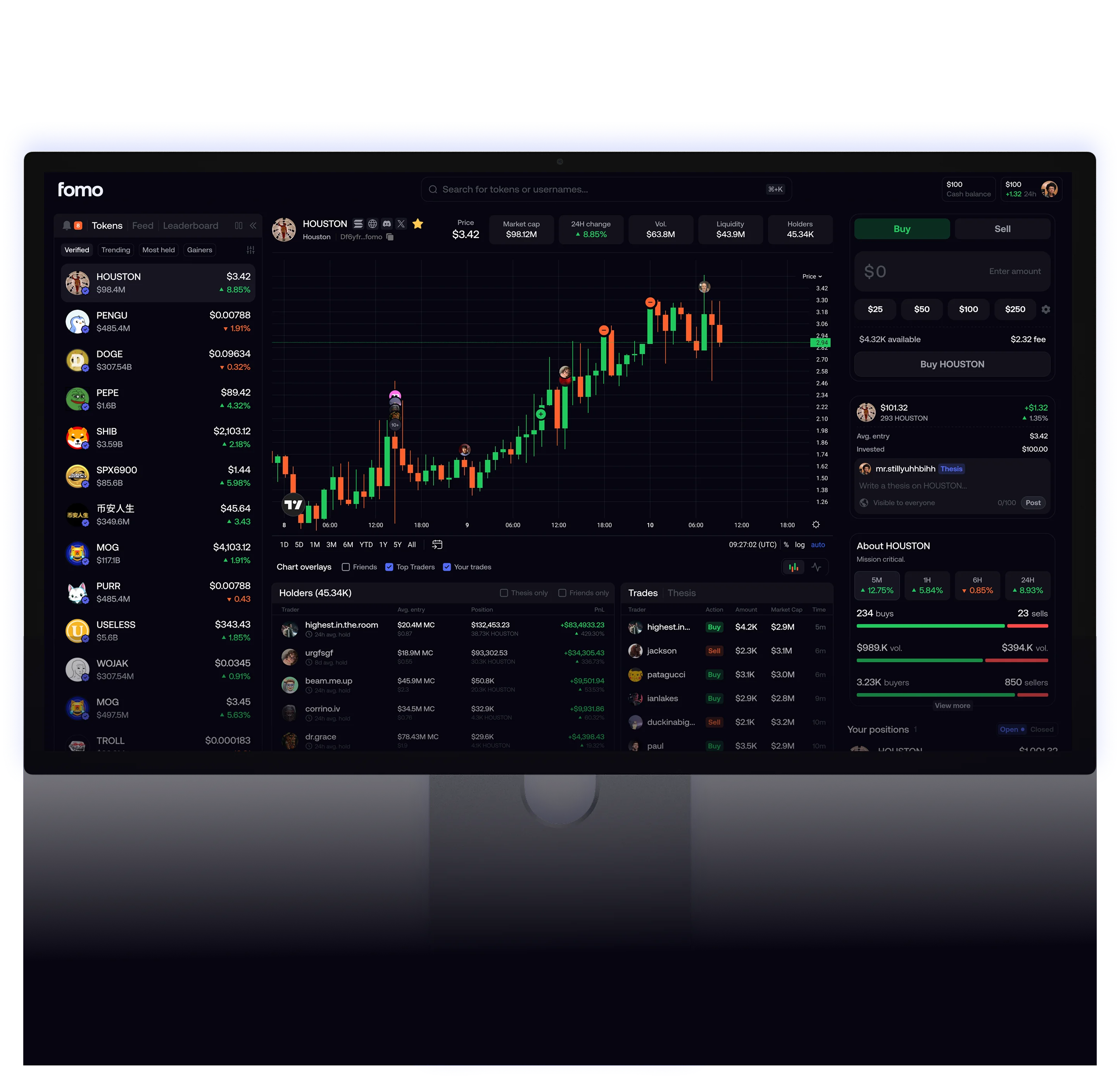
Why is a small remainder impossible to sell?
Fomo’s current in-app minimum is 2 USDC on most networks and 5 USDC on Ethereum. Network costs can prevent routing even slightly above that floor. These are sale minimums, not minimum deposits or withdrawal rules. Official minimum-sale explanation.
For example, a 1.50 USDC remainder is below the stated in-app minimum. A 3 USDC position clears the usual 2 USDC floor but is still below Ethereum’s 5 USDC minimum. Clearing a floor does not guarantee liquidity or a successful transaction.
The app normally hides holdings below $2 and assets it cannot price. Use Show dust on the web or Show hidden on mobile to inspect them. Hiding a row does not remove the tokens from your wallet. Fomo also documents an optional external-wallet route, but it does not restore a drained pool or remove contract restrictions; buying more just to reach the minimum introduces additional exposure. Official small-balance guidance.
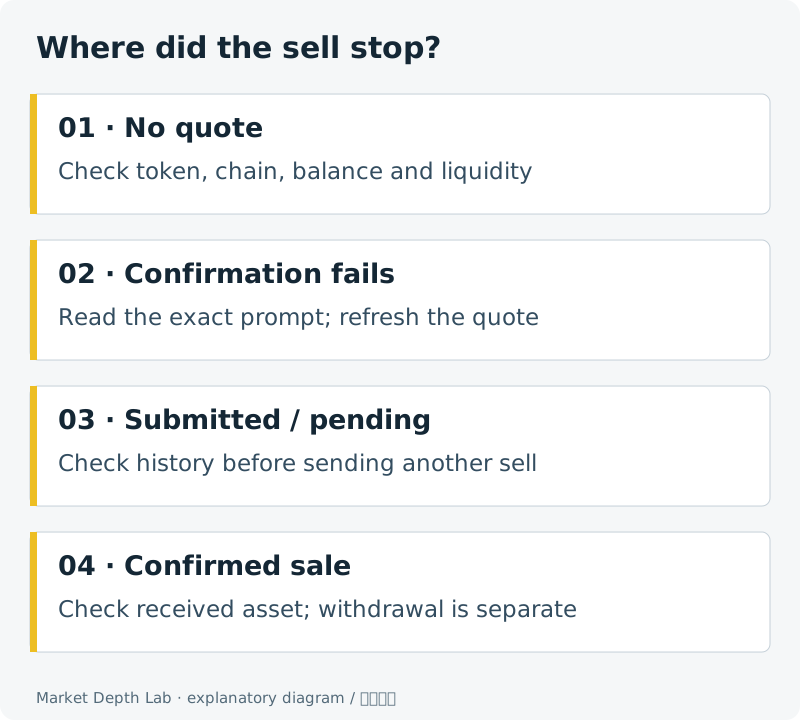
Which stage failed?
| What you see | Check next | Avoid doing this |
|---|---|---|
| No usable quote | Correct token and chain, available balance, current liquidity | Assuming a displayed price guarantees a buyer |
| Warning or minimum prompt | Read that exact prompt; review the trade size and estimated fees | Applying a minimum quoted for another network or app version |
| Confirmation fails | Refresh the quote and inspect the error, network and any required balance | Raising slippage without a limit |
| Submitted or pending transaction | Open transaction history and the relevant explorer if a hash is available | Sending another sell while the first outcome is unknown |
A warning label alone does not mean trading is disabled. Fomo distinguishes mobile and web acknowledgements; its current guide says mobile selling does not ask for the acknowledgement used for a first purchase. Read the full label rather than treating an acknowledgement as a fix for missing liquidity. Official warning-label explanation.
The same screen symptom can have several causes. Start with the message shown for your token rather than changing every setting at once.
Why is the sell value lower than my portfolio value?
A portfolio valuation may use a recent price; selling uses available liquidity now. In a thin pool, selling the whole position can move the execution price. Review the amount you would receive, platform fees and any network charges before confirming. A token’s market capitalization does not measure how much cash is available to buy your position.
A smaller quote can help reveal a size-related liquidity problem, but splitting a sell does not guarantee better total proceeds: other traders and fees still matter. Increasing slippage allows a worse fill; it does not create liquidity or remove a token’s transfer restrictions.
Selling a token and withdrawing money are separate actions
After a confirmed sale, identify what asset you received and on which network. A successful token swap is not the same as money reaching a bank account. Fomo’s official withdrawal explanation covers the separate transfer step. Confirm the destination asset and network before withdrawing.
When should you contact support?
If refreshed quotes still fail, several unrelated assets fail, or the on-chain outcome and app balance disagree, use support reached through the official app or website. Provide the app version, token contract, network, approximate time, error text and public transaction hash. Keep keys, recovery phrases and authentication codes out of the report.
Do not transfer more money to someone claiming that a deposit will “unlock” your sale. A support conversation should not need your private key. If the token itself has no usable liquidity or restricts selling, a new app installation cannot repair that market or contract.
Want the normal buy-and-sell route instead?
Use the Fomo trading guide for the ordinary sequence and fee considerations. This page helps locate a failure; it does not claim that every token can be sold. Network-specific minimums and actual routing conditions still apply.